S
Loading
Loading

You lose clients when leads live in DMs; track every follow-up so deals move to paid projects.
You reply to inquiries in Instagram, send proposals from email, track tasks in a notebook, and invoice from another tool. A hot lead goes cold because you forgot the follow-up date. A current client asks for status and you spend ten minutes digging through old messages. You are doing good work, but your workflow is spread everywhere. That costs time, trust, and revenue.
This Notion template is a freelance CRM built for designers and service freelancers who need clear client visibility. It includes a Lead Pipeline board, Client Database, Project Milestone tracker, Proposal Log, Invoice Ledger, and Follow-Up Queue. Each client record stores contact info, service type, project scope, budget, and timeline notes. You can see what is waiting, what is blocked, and what needs a message today without jumping between apps.
Capture a new lead in under a minute with source, budget range, and next contact date. Drag deals from Inquiry to Discovery Call to Proposal Sent to Contract Signed as conversations progress. Convert won work into active projects with milestone tasks, revision rounds, and delivery dates connected to the same client profile. Log invoices with issue date, due date, amount, and paid status so cash flow is visible each week. Use the Daily Follow-Up view to clear overdue outreach before opportunities slip away.
After thirty days, you stop guessing where every client stands. Your follow-ups happen on time, project handoffs are cleaner, and invoicing feels consistent instead of reactive. You spend less energy hunting for context and more time on billable work. This helps you run your freelance business with fewer dropped balls. You can start with the ready-made views on day one, then adjust labels and fields as your process evolves. Because related pages are connected, one update remains visible across linked views and prevents duplicate tracking. That means fewer missed details during busy weeks and a routine you can keep using long after setup. A short daily check-in is usually enough to keep priorities clear, even when your week gets noisy. Each database includes practical defaults, so setup takes minutes instead of a full weekend rebuild.

Leads go cold when follow-ups get buried; track every contact step so more deals reach closing.
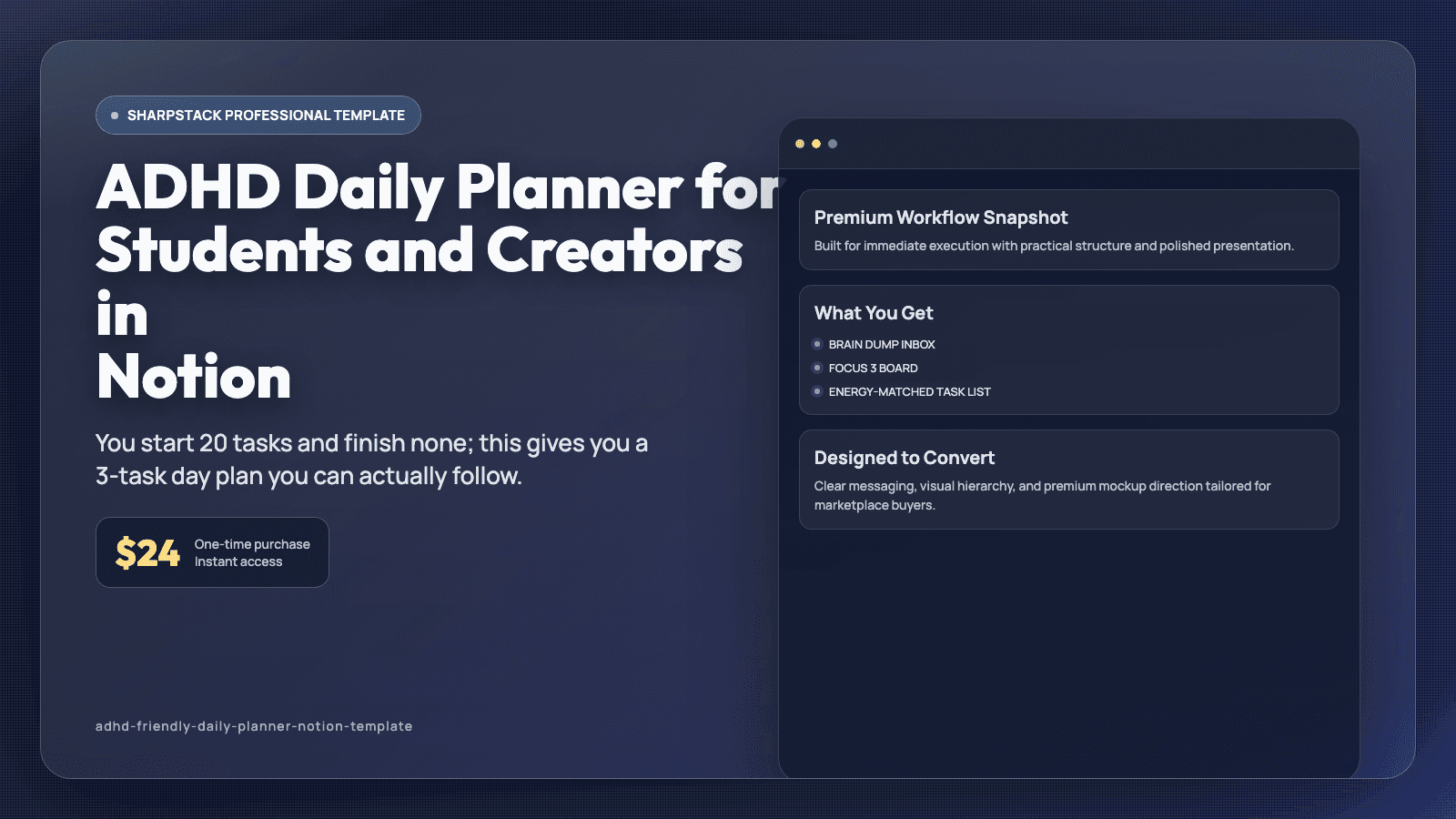
You start 20 tasks and finish none; this gives you a 3-task day plan you can actually follow.
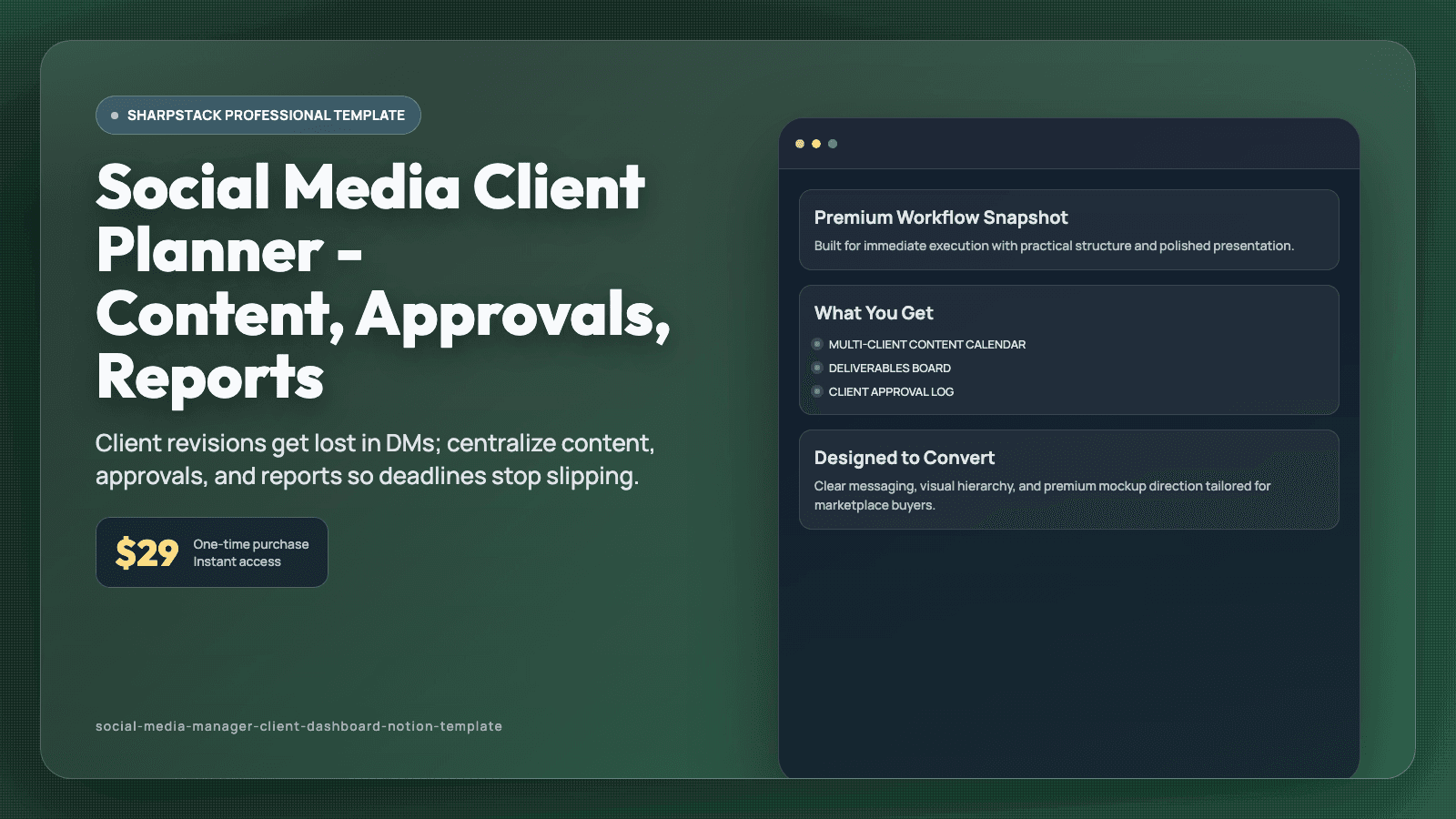
Client revisions get lost in DMs; centralize content, approvals, and reports so deadlines stop slipping.